Leading people is mostly one-to-one work: coaching individuals, giving feedback, helping each person grow. Leading teams is what happens when those individuals have to work together toward something bigger. Your job shifts from developing each person to building the systems, priorities, and clarity that let the whole group perform without you in every conversation. Both matter, and most leaders run them in parallel.
- Home
- Leading Teams
Tools for Leading Teams (Templates & Simple Systems)
Tools for leading teams are practical templates and simple systems that help you create clarity, alignment, and consistent results without micromanaging your people. At Leadership-Tools.com, you'll find a complete collection of these tools, free to download, organized around the situations team leaders actually face.
Leading teams isn't about being everywhere at once. It's about building the systems and shared understanding that let your group perform well even when you're not in every conversation. Done right, your team gets more done with less friction, and you stop being the bottleneck.

Each of these tools is free to download immediately. No signup required. If you'd like a heads-up when tools are updated or new ones get added, our free Leadership Tools newsletter is the best way to stay in the loop.
These tools sit inside a broader framework called The Leadership Standard, which organizes leadership growth into three phases: Leading Self, Leading People, and Leading Teams.
This page is the Leading Teams phase, focused on what it takes to scale your impact through systems rather than constant oversight. The tools for leading teams below are organized to help you do exactly that.
Jump To: Quick Pick | What is Leading Teams |Why Leading Teams Matters | How to Use These Tools | Tools for Leading Teams Collection | Tools in Action | FAQ | Get Updates Free
Quick Pick: Find the Right Tool
Pick the scenario that feels closest to where you are right now. That's a good place to start. Each card routes you to the strongest of our tools for leading teams for that specific situation.
"Too many improvement ideas and no clear way to organize them."
Best Tool: Growth Roadmap Template
"We've got priorities, but can't decide what to commit to first."
Best Tool: Project Prioritization Template
"Unclear about why we are not retaining good employees."
Best Tool: Employee Exit Survey
"We're one resignation away from a crisis with no backup for key roles."
Best Tool: Succession Planning Toolkit
"Multiple initiatives are running and we're losing track of progress."
Best Tool: Project Tracker & Calendar Templates
"The team feels disconnected. Trust and energy are low."
Best Tool: Team Building at Work eBook
What is Leading Teams?
Leading teams is the work of creating the conditions under which a group of people performs well together. It's less about managing individuals one by one and more about building the priorities, roles, cadences, and shared standards that let the team operate without you in every conversation.
When a team is led well, the work gets done. When it isn't, even talented people struggle to find traction.
You don't need authority over a large group to practice this. Anyone running a project, a department, or a function is leading a team. The skills are the same: setting clear direction, defining who owns what, tracking progress without micromanaging, and developing the next layer of leaders so the team doesn't depend on you alone.
When you lead teams well, people know what matters, what's expected of them, and where the work is heading. Decisions happen faster. Friction drops. Results become more predictable. That's what the tools for leading teams on this page are built to help you do.
Why Team Leadership Tools Matter
The leaders who scale their impact have one thing in common: they stop trying to be the smartest person in every conversation and start building systems that let their teams perform without them. That shift is the difference between a leader who maxes out at the size of their own bandwidth and one who can lead something meaningful.
When you don't have systems for leading teams in place, the cost shows up in predictable places. Priorities shift without warning. Work starts that never finishes. Status updates become guessing games. Good people leave because the friction wears them down. None of that is a motivation problem. It's a clarity and systems problem.
Tools for leading teams provide you with that structure. These tools make priorities visible, ownership explicit, and progress trackable. They reduce the load on you and increase the capacity of your team. Most leaders don't need more hours in the day. They need a small number of tools they actually use.
Ask yourself: what's the one thing slowing your team down right now? Unclear priorities? Stalled projects? Role confusion? Retention risk? Whatever it is, you'll find tools for leading teams on this page built for that exact situation.
How to Use These Tools
You don't need a rollout plan. Run these tools for leading teams the way they work best: one at a time, on a short cycle, with a clear next step.
Step 1: Name the Real Problem in One Sentence
Say it out loud or write it down. Something like:
- "Our biggest challenge right now is unclear ownership, which is causing rework."
- "We've got too many initiatives in flight, and people are losing track of what matters most."
- "I can't get a straight answer on where projects stand without three follow-up emails."
If you can describe the problem in one sentence, you'll pick the right tool. If it's not clear the first time, slow down and try again before choosing.
Step 2: Choose ONE Tool from This Page
Don't roll out three or more tools all at once. Pick the one that matches the problem you just named. Bookmark the others for later. By taking it slowly, you'll learn more and increase your chances of improving results in a quality way.
Step 3: Run It in a 30-Minute Session This Week
Block 30 minutes on your calendar. That's enough time to work through any tool on this page in a first pass. The goal of session one is to achieve clarity on what your team needs and a first draft that you can thoughtfully react to.
Step 4: Set the Next Check-In and Make It a Cadence
A tool used once is an exercise. A tool used on a cadence is part of a system. Before you close out the first session, schedule the next one. Weekly for execution tools. Monthly for planning tools. Quarterly for succession and roadmap reviews.
Don't try to fix everything at once. One tool, run consistently, will move your team further than three tools running sporadically.
Explore Our Team Leadership Tools
Start with any one of these team leadership tools. Each is free to download immediately, no signup required.
Click the links to access more detailed information about the tool, and you'll find a button that allows you to download the resource directly. The tools for leading teams below are sequenced from direction-setting through doing the work to people and continuity.

Leadership Action Plan Template: Growth Roadmap
Organize every improvement opportunity across your team into a six-pillar framework you can lead from.
- Best for: Leaders new to a role who want a structured way to observe before committing, and experienced leaders feeling pulled in too many directions
- Time to complete: 2 to 3 hours for the first pass, then 1 hour quarterly to review
- Format: PowerPoint workshop deck, Word printable backup, Excel default tool
Project Prioritization Template
The natural next step after your Growth Roadmap. Decide which initiatives get the green light and who leads them.
- Best for: Leaders with more good ideas than capacity, and anyone who needs priorities based on clear reasoning rather than whoever argues loudest
- Time to complete: 2 to 3 hours for the first pass, then 1 hour quarterly to review
- Format: PowerPoint workshop deck, Word printable backup, Excel default tool
Project Tracker and Calendar Templates
Two companion tools on one page. Keep every active initiative visible and show how the work unfolds across the year.
- Best for: Leaders managing three or more active initiatives, and anyone who needs a simple way to report progress to senior leadership
- Time to complete: 30 to 60 minutes to set up, then 10 minutes weekly to update the Tracker and 30 minutes monthly for the Calendar
- Format: Excel, with a printable Word backup

Business Plan Template
Translate vision into priorities your team can actually act on. A reference point for decisions when things get busy.
- Best for: Teams that feel busy but not focused, and leaders who keep getting pulled into "what are we doing again?" conversations
- Time to complete: 45 to 90 minutes to draft, then 15 minutes weekly to keep it alive
- Format: Word template, ready to customize
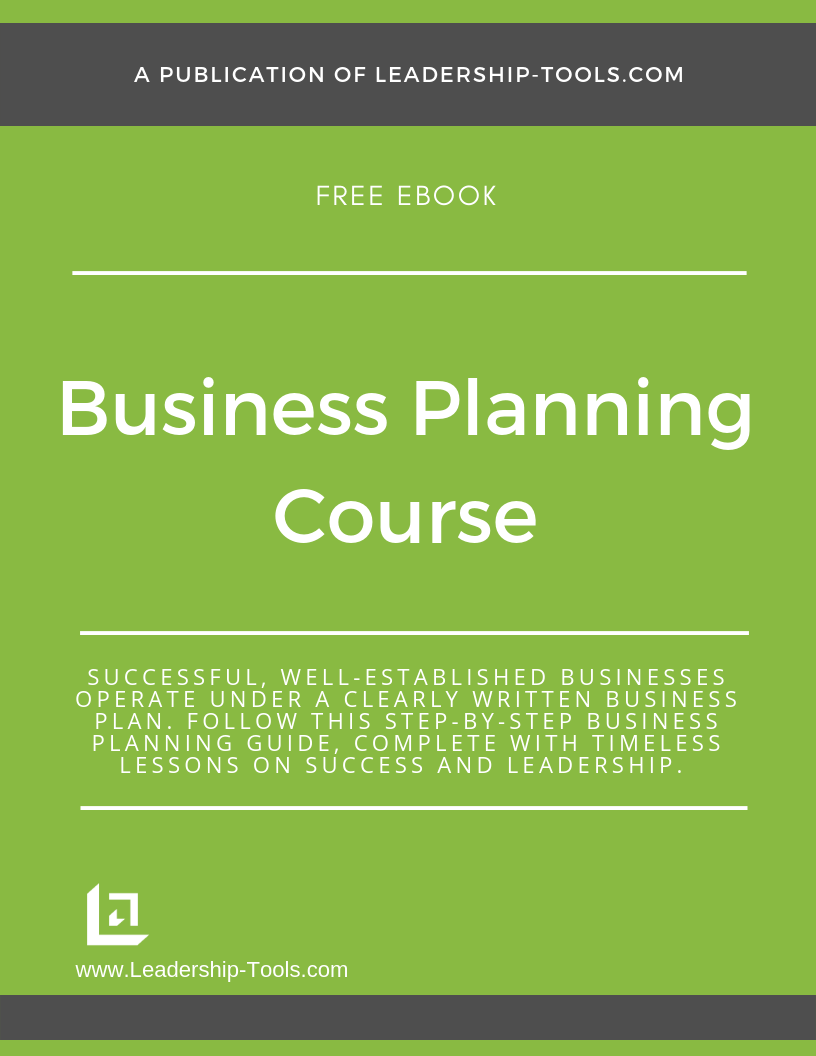
Business Planning Course
A step-by-step companion to the Business Plan Template. Turn planning into a repeatable leadership habit, not a one-time event.
- Best for: Leaders who want guided structure rather than a blank template to fill in alone
- Time to complete: 60 to 90 minutes to start, then follow the steps over 1 to 2 weeks
- Format: Free downloadable course (PDF)

Succession Planning Toolkit
Map critical roles, identify successors, and build a realistic development plan so your team isn't one resignation away from a crisis.
- Best for: Small businesses with concentrated knowledge, and leaders who want to develop people rather than scramble to replace them
- Time to complete: 60 to 90 minutes to map, then quarterly updates
- Format: PowerPoint review template, Word backup, Excel 4-Block Grid

Skip-Level Manager Review Tool
Hear directly from the layer below your managers. Catch communication gaps and inconsistent coaching early.
- Best for: Multi-layer teams where misalignment can hide until it becomes costly, and leaders who want better insight without undermining managers
- Time to complete: 30 to 45 minutes to prepare, then 20 to 30 minutes per conversation
- Format: Word and PDF

Employee Exit Survey Tool
Learn the real patterns behind turnover. What to fix, what to protect, and what to stop ignoring.
- Best for: Teams seeing churn, quiet quitting, or morale decline, and leaders committed to continuous improvement
- Time to complete: 10 minutes to set up, then 10 to 15 minutes per exit conversation
- Format: Word and PDF

Total Compensation Worksheet
Show team members the full value of their compensation, beyond salary. Support fair, consistent retention conversations.
- Best for: Leaders retaining talent with limited budget flexibility, and teams where compensation expectations are unclear
- Time to complete: 20 to 30 minutes per person
- Format: Excel worksheet
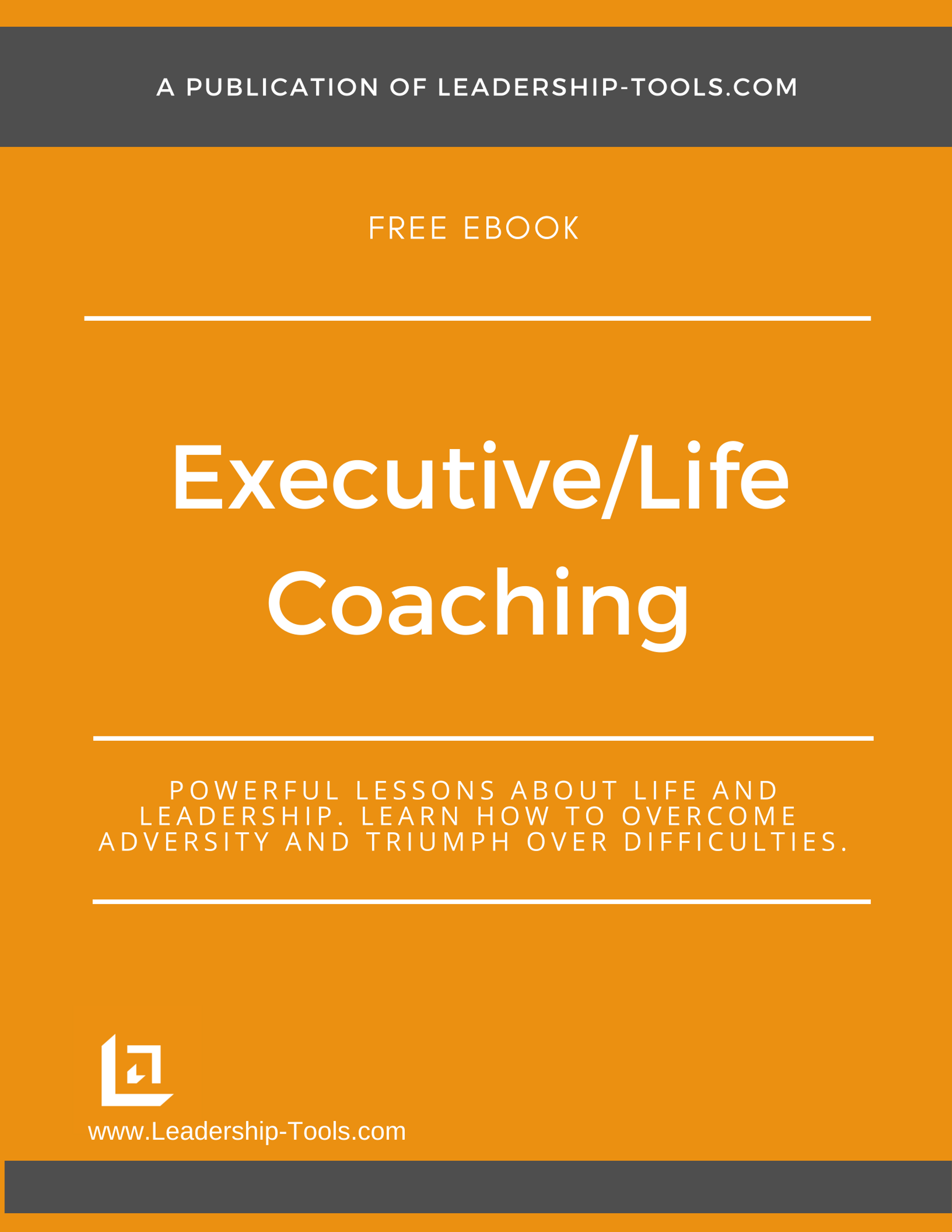
Executive & Life Coaching Course
Build a repeatable approach to coaching the people you lead, especially the ones you're developing into the next layer of leadership.
- Best for: New managers building confidence coaching others, and experienced leaders growing a leadership bench
- Time to complete: 60 to 90 minutes to start, then ongoing
- Format: Free downloadable course (PDF)
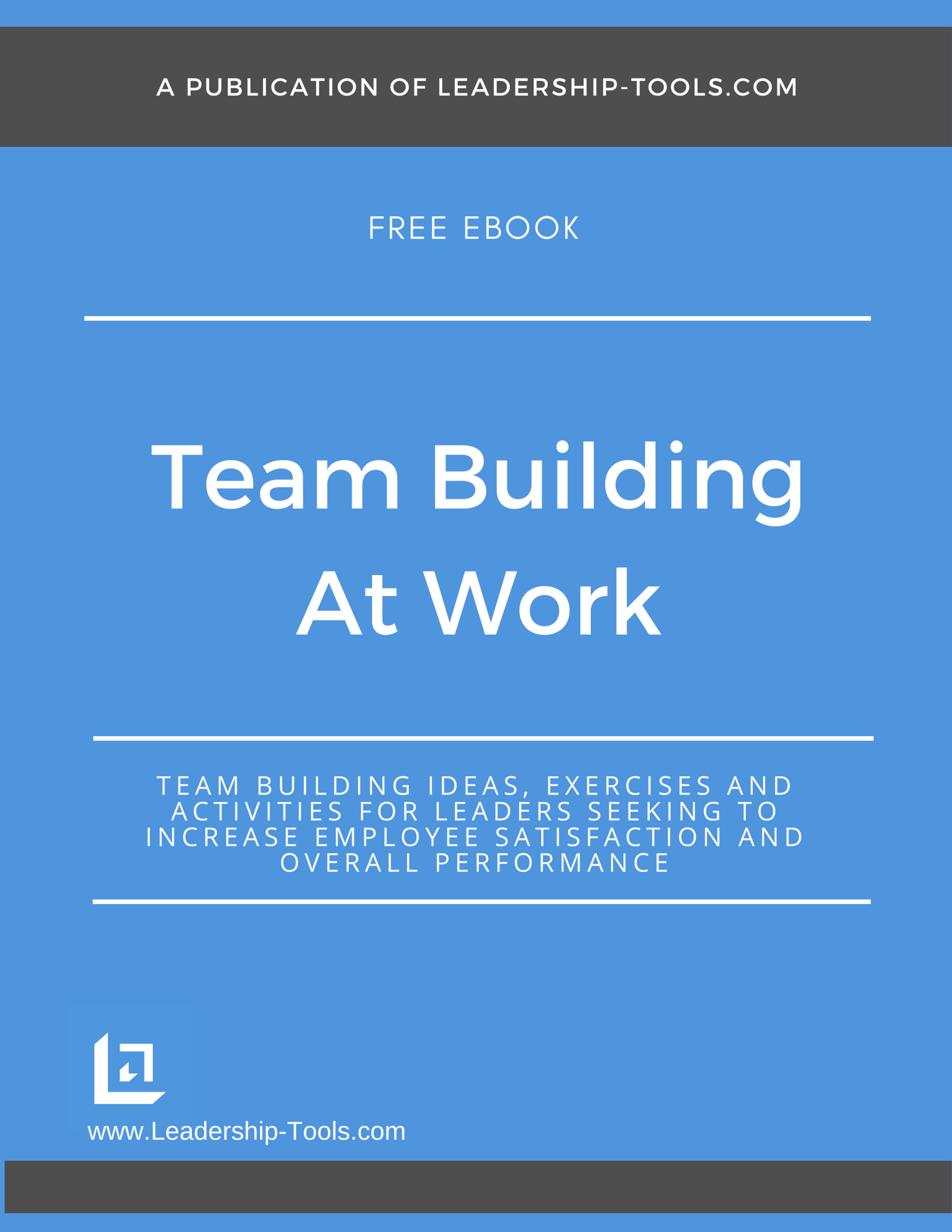
Team Building at Work
A ready-to-run set of team-building activities that strengthen communication and trust without feeling forced or awkward.
- Best for: New managers who inherited an existing team, hybrid teams, and groups with growing friction or low energy
- Time to complete: 15 to 30 minutes per activity, run weekly or biweekly
- Format: eBook (PDF)
Complimentary Tools from Leading Self & Leading People
The tools below are introduced in Leading Self or Leading People and also provide value when Leading Teams. We've provided links below for your convenience.
Role Clarity Template

Define what success looks like for every role on your team. Clearly defining roles, makes it easier for employees to know what to focus on and assists leaders in your coaching conversations.
Delegation Worksheet
A practical worksheet for managers preparing to assign tasks or projects. Helps avoid micromanaging while empowering your team.
One-to-One Meeting Agenda

A structured, employee-focused template for weekly or monthly check-ins. By mastering the one-to-one meeting, every manager can learn how to involve their employees in productive meetings.
Action Planning

Our Master Action Plan (M.A.P.) template is an excellent tool for both individual and team action planning. Fill it out once, and you’ll have a clear path for your entire team.
Performance Coaching Templates

Download the Performance Coaching Toolkit, then follow our 5-part framework (Focus, Reality, Ownership, Next Step, Time) to lead coaching conversations that produce clarity, commitment, and consistent follow-through.
Performance Appraisal Templates

Download the Performance Appraisal template, then follow our 6-part guide (purpose, ratings, language, preparation, goal setting, and follow-up) to make reviews easier and more consistent across your team.
Difficult Conversations

A concise, actionable checklist to prepare for and navigate tough discussions. Includes a free downloadable PDF version for easy reference. Ideal for resolving conflicts without escalating tension.
If you’re serious about improving results and culture, start with one of these tools for leading teams today and build a simple weekly cadence around it.
Team Leadership Tools in Action: 3 Real-Life Paths
Sometimes it helps to see how these tools come together in real situations. Here are three common paths leaders take when they're putting tools for leading teams to work for their group.
Path 1
New Leader Inheriting a Reactive Team
You've just stepped into a leadership role. The team is busy, but you can't tell what's actually getting done. Priorities shift weekly, and ownership is unclear. You need to observe and stabilize before you can lead well.
Quick Summary: Start with the Growth Roadmap Template to organize what you're seeing. Then run a Project Prioritization Template to decide what to commit to first. Use Role Clarity to clean up overlapping ownership.
1. Start with the Growth Roadmap Template
- Spend your first 30 days observing and capturing every improvement opportunity you see across the team. Don't act yet. The point is to build an honest inventory of what's there.
- Outcome: A complete picture of where your team needs work, organized into six pillars rather than a long, unfocused list.
2. Run the Project Prioritization Template
- Once your inventory exists, use D.A.R.T. analysis and a Cost vs. Impact matrix to decide which initiatives get committed to first. Assign initiative leaders before you announce anything to the broader team.
- Outcome: Three to five clearly prioritized initiatives with owners, instead of fifteen ideas competing for the same attention.
3. Use the Role Clarity Template
- Now that priorities are set, clean up overlapping responsibilities. Run Role Clarity with the team to surface where ownership is fuzzy and where two people think they own the same thing.
- Outcome: Each team member knows what they own, what they don't, and where the handoffs happen.
4. Set a Cadence with the Project Tracker
- Put your committed initiatives into the Project Tracker. Use it in a 15-minute weekly review with initiative leaders. Update the Calendar monthly for senior leadership visibility.
- Outcome: A team that knows what it's working on, who owns each piece, and how progress is reported. You stop being the source of truth.
Path 2
Experienced Leader with Too Many Initiatives
You've been leading the team for a while. You know what matters, but you've said yes to too many things. Three priorities have become eleven. People are working hard, and nothing seems to finish.
Quick Summary: Start with the Project Prioritization Template to cut the list down. Use the Project Tracker & Calendar to make what's left visible. Run the Business Plan Template to lock in the new direction.
1. Run the Project Prioritization Template
- You don't have a clarity problem. You have a commitment problem. Walk every active initiative through D.A.R.T. analysis. Be honest about what to stop, what to pause, and what to finish.
- Outcome: A defensible list of what's in, what's out, and what's on hold. The hard work happens here.
2. Set Up the Project Tracker & Calendar
- Move every approved initiative into the Tracker. Build the Calendar view so you can see the whole year at once and spot the months where you're trying to do too much.
- Outcome: Overloaded months become visible before they become problems. You stop running the team from your inbox.
3. Update the Business Plan Template
- Capture the new direction in one document. This is what you'll point to the next time someone asks why an initiative didn't make the cut. Keep it short, written in plain language, and reviewed weekly.
- Outcome: A reference point that makes future prioritization conversations faster.
4. Communicate the New Plan
- Walk the team through what's in, what's out, and why. Use the Business Plan as the anchor. Don't apologize for the changes. Clarity is a gift, even when it's uncomfortable in the moment.
- Outcome: A team that understands the new priorities and trusts that the priorities will hold long enough to deliver against them.
Path 3
Small Business Owner Worried About Continuity
You've built something real. You've also realized that if one or two key people walked out tomorrow, the business would be in serious trouble. You need to reduce single-point-of-failure risk without scaring anyone.
Quick Summary: Start with the Succession Planning Toolkit to map critical roles. Use the Executive & Life Coaching Course to develop your bench. Run the Total Compensation Worksheet for high-risk retention conversations.
1. Map Critical Roles with the Succession Planning Toolkit
- Identify the roles where a sudden departure would create immediate risk. Use the 4-Block Grid to map current capability and potential across your team. Be honest about where the gaps are.
- Outcome: A clear-eyed view of your continuity risk and who could potentially step up.
2. Build Development Plans Using the Executive & Life Coaching Course
- For each person identified as a potential successor, build a coaching plan that develops them toward the role. This isn't a promise. It's a runway.
- Outcome: High-potential team members who know they're being invested in, even if the timing isn't promised.
3. Run the Total Compensation Worksheet for Retention Conversations
- For the critical roles where losing the current person would hurt most, make sure the total value of their compensation is clear to them. Many resignations happen because people don't see what they have.
- Outcome: Stronger retention of the people whose departure would create the biggest gap.
4. Set a Quarterly Review Cadence
- Continuity isn't a one-time project. Schedule a quarterly 30-minute review of the Succession Planning Toolkit. Update the 4-Block Grid. Adjust development plans based on what you're seeing.
- Outcome: A team that's getting stronger over time, with risk going down and bench depth going up, even if no one ever leaves.
FAQ: Tools for Leading Teams
Common questions about choosing and using the right tools for leading teams. Click on the (+) sign below to expand each question. Click the (-) sign to collapse it again.
What's the difference between leading people and leading teams?
Where should I start if I'm new to leading a team?
Start with the Growth Roadmap Template. It gives you a structured way to observe before you commit to anything, which is the move most new team leads skip. Once you've got an honest view of where your team is, the Project Prioritization Template helps you decide what to work on first. Two tools, in that order, and you'll be ahead of most leaders trying to do everything at once.
How is the Growth Roadmap different from the Project Prioritization Template?
The Growth Roadmap is where you capture and organize every improvement opportunity you see across your team. It's the inventory. The Project Prioritization Template is what you use after that inventory exists, when you need to decide which initiatives get resourced and led. Roadmap first, prioritization second. Running them in reverse order is one of the most common mistakes leaders make.
Do I need to roll all these tools out at once?
No, and I'd discourage it. Pick one tool that addresses your biggest current pain point. Run it for two or three weeks until it feels natural. Then add the next one. Teams resist tools that show up in waves. They adopt tools that earn their place one at a time.
How do I know if a tool is working for my team?
You'll see fewer "where are we on this?" check-ins, cleaner handoffs, faster decisions, and fewer surprises late in the week. If you've been running a tool for a month and none of those have moved, you're either using the wrong tool for your problem or you're not running it consistently enough to build the cadence.
Do these tools work for remote and hybrid teams?
Yes, with one adjustment: the cadence matters more than it does for co-located teams. Remote teams lose alignment faster because the hallway conversations that normally re-sync everyone aren't happening. Running these team leadership tools on a predictable rhythm, weekly or biweekly, is what makes them work for distributed teams.
Pick one tool. Run it this week. Build the cadence. That's how tools for leading teams become real leadership systems.
Leadership Tools Newsletter
Subscribe Free - See All Tools on One Page - Get New Tool Alerts
Lead Your Team with Confidence
You've discovered a complete toolkit that can benefit you and your entire team. Use it the way it's built: Leading Self for personal clarity, Leading People for managing individuals, and Leading Teams for scaling your impact across the group.
These tools for leading teams are organized by the outcome you want: alignment, execution, team health, or succession planning. When you feel ready, revisit any phase or go deeper into the full library on this site. Wishing you all the best on your leadership journey.

 You are here!
Contact Information:
phone
(503) 970-9777
Email Customer Service
helpsupport@leadership-tools.com
Email Richard
richard@leadership-tools.com

By Richard Gorham
Leadership-Tools.com
2879 Riverwalk Loop, Eugene, Oregon, 97401
Copyright (c) 2002 - 2026 All Rights Reserved